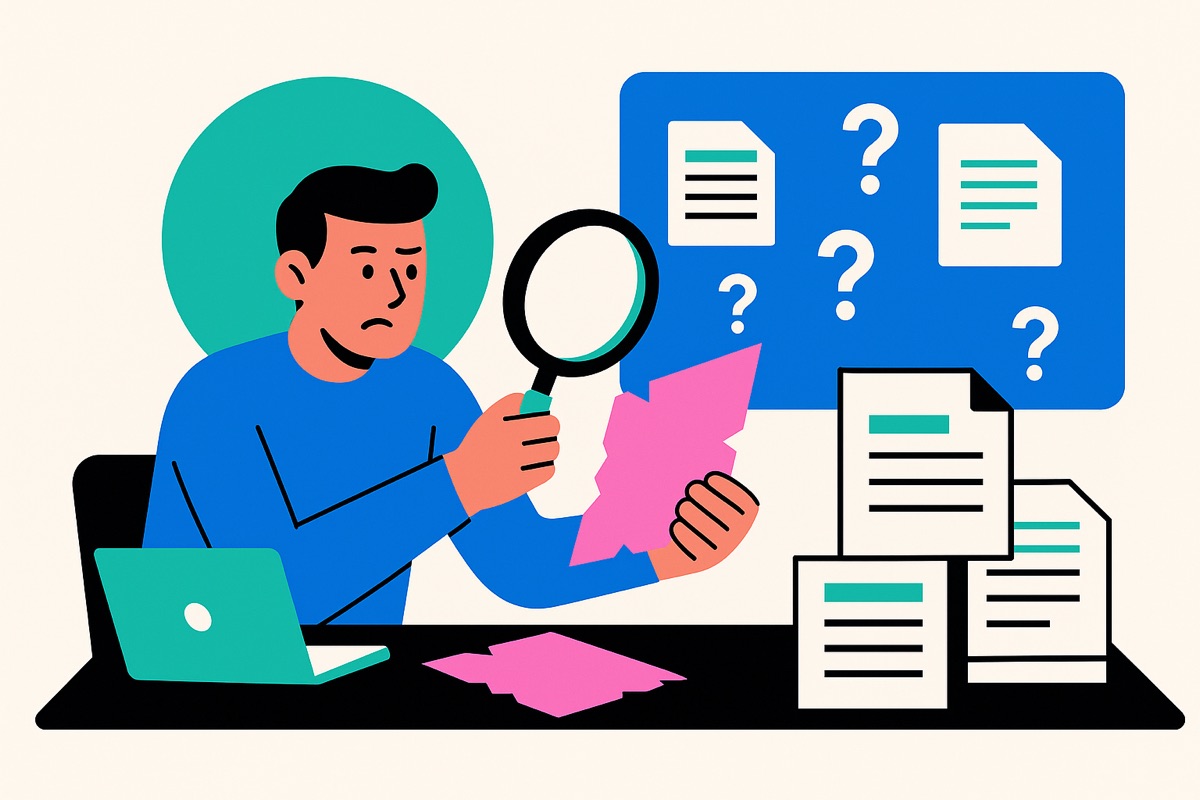
In many organizations, internal search seems to be “under control” because documents are stored somewhere —SharePoint, Teams, Drive, a Confluence database, a server, emails, and so on. In reality, the mere existence of a storage system does not guarantee that information will be findable, complete, or up-to-date when a team needs to make a decision.
The consequence is insidious: teams move forward with a false sense of control, produce reports cobbled together from incomplete sources, and make “reasonable” decisions based on an incomplete picture. The problem isn’t psychological—it’s organizational. It stems from document workflows, silos, access rules, versioning, and the lack of simple mechanisms to link a business question to the right internal evidence.
A flawed internal search system doesn't just waste time; it also undermines the quality of decisions by hiding missing information.
When information is scattered, searching becomes a matter of navigating between systems, rather than directly accessing an answer.
What this means for a project team: if the search process requires you to “guess” the right location, you will inevitably end up making decisions without seeing a critical document (a contract addendum, a new version, an incident report, or a security requirement).
This quickly becomes apparent in day-to-day work. As many of the project managers we speak with put it: “I waste a ton of time looking for the right documents; I need a quick and easy solution.”
An internal search may “return results” even though they are useless, because they are irrelevant to the person conducting the search.
What this means for a Knowledge Manager: the more “noisy” results you have, the more teams fall back on workarounds (sending a Slack message to a colleague, reusing an old local file, or copying and pasting from a previous report).
Reporting becomes unreliable when you have to aggregate data from copied files, attachments, or “latest versions” that vary from team to team. The problem isn’t that teams don’t want to do a good job; it’s that the system doesn’t allow them to quickly identify the single source of truth.
This vulnerability also translates into costs.
What this means for an Operations Department: unreliable reporting not only slows down decision-making, but also increases the risk of making the wrong trade-offs (regarding priorities, budgets, scheduling, and compliance).
Even when information is available, it may be unusable due to a lack of context (scope, assumptions, validity date, owner, exceptions).
What this means for managers: a decision can be made “on time” even though it is based on incomplete information, because the organization does not make it clear what is missing.
When access to information is difficult, the employee experience suffers, and this ultimately affects performance.
What this means for an executive sponsor: Internal research is not just a “tool”; it is a matter of performance and organizational health.
You have an internal search problem when the team can’t quickly verify that they’re working with the right information, at the right level of recency, and with the appropriate permissions.
Here are some simple indicators (that can be identified without a major audit):
From a macro perspective, the figures confirm that this is not a minor issue: a sponsored article by Bloomfire and the Harvard Business Review (April 2025) states that employees waste an average of 10% of their workweek searching for information needed for their jobs (hbr.org). For an organization, this represents an obvious pool of recoverable time… provided that changes are made to processes and access.
No matter how powerful a search engine may be, it cannot permanently compensate for a lack of governance (orphaned documents, outdated content, and a lack of owners).
The most solid starting point is an assessment: where information originates, where it is stored, who maintains it, who uses it, and where losses occur (versions, access, silos).
This framework aligns with the recommendations of the Bloomfire/Harvard Business Review report (April 2025), which emphasizes an approach that combines technology and governance to treat knowledge as an asset (the “Enterprise Intelligence” approach) (hbr.org).
What this means for a project team: if no one is responsible for updating a critical document, even the best search engine in the world will quickly return… outdated information.
Centralization can mean two things:
Coveo’s recommendations (formerly Relevance 2025) point in this direction: reducing fragmentation through a “unified digital workplace” and AI-enhanced federated search tools, according to HR News Canada (hrnewscanada.com).
What this means for a Knowledge Manager: You can improve discoverability without launching a massive migration project, provided you take a serious approach to connectors, access rights, and the index.
The challenge is not merely to locate a document, but to clearly identify the source that supports a response (and to make it verifiable).
This is also the biggest sticking point with AI: organizations need solutions grounded in reliable internal data. The Coveo report (formerly Relevance 2025) notes that employees have already encountered erroneous AI responses (hallucinations), highlighting the importance of solutions based on accurate organizational data, according to HR News Canada (hrnewscanada.com).
What this means for an Operations Department: if a response cannot be traced back to an internal source, it should not be used for decision-making.
The goal is not simply “to do AI,” but to free up time for execution and ensure sound decision-making.
In practical terms: for a project team, saving time on research translates to shorter decision-making cycles, less manual reporting, and less reliance on a few “key contacts.”
An AI research assistant is only useful if it fits within your actual constraints: multiple sources, access rights, security, and ease of use.
Outmind positions itself as a secure, high-precision AI research assistant that centralizes access to internal knowledge. Outmind also highlights its ISO 27001-certified environment (en.outmind.ai).
What this means for teams: The value of an AI research assistant lies in its ability to help you “discover” (not just “search for”) information while strictly adhering to permissions and source traceability.
To avoid adoption failure, follow these three simple rules:
The false sense of control over internal search arises when an organization confuses “we have tools” with “we have reliable access to information.” Recent figures underscore this: 3 hours a day are wasted searching in large organizations (Coveo, EX Relevance 2025 via HR News Canada), 10% of the workweek is consumed by searching (Bloomfire / HBR, April 2025), and 49% of data leaders have already drawn incorrect conclusions due to a lack of context (Salesforce via TechRadar Pro, November 2025).
In-house research becomes an operational advantage when it ensures the completeness, relevance, and traceability of information—not just its storage.
If you want to take a pragmatic approach, start by assessing your document workflows and decision-making use cases (reporting, auditing, project delivery), then evaluate a federated and contextual search approach—ideally one that provides sourced results and respects permissions.