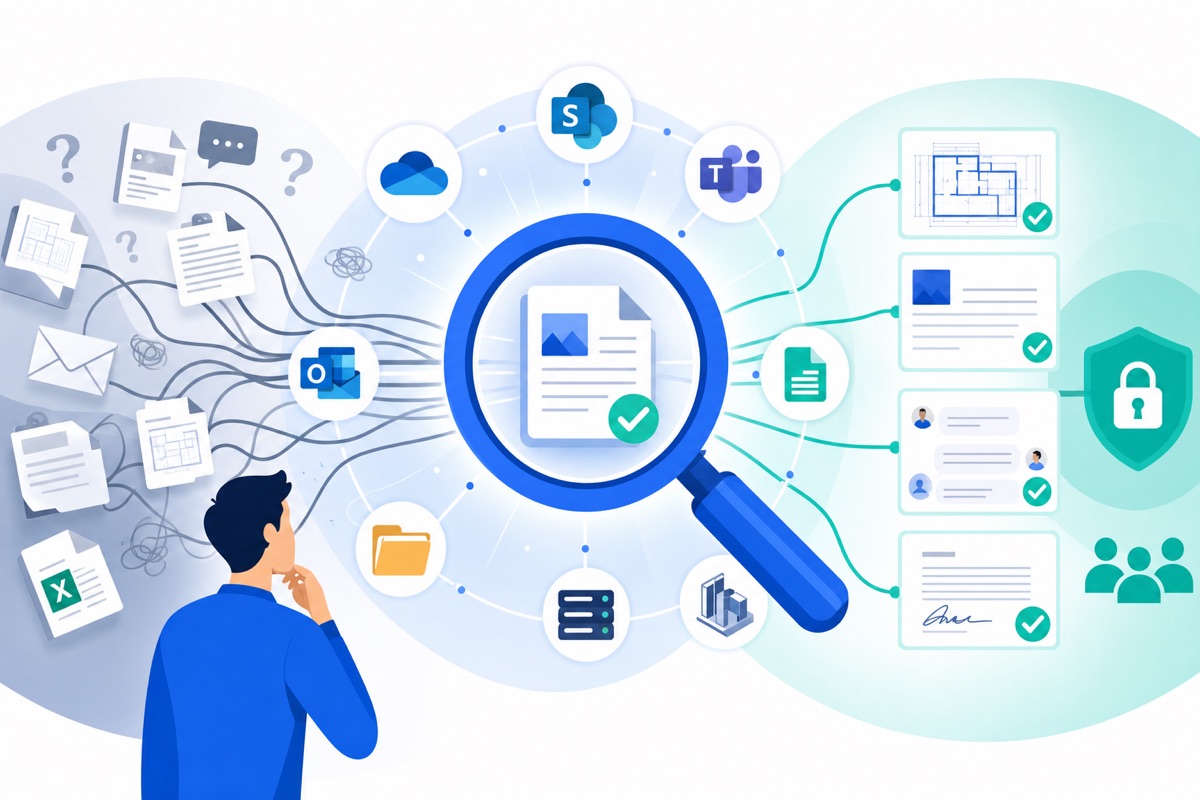
In-house AI search reduces time spent on SharePoint, consolidates your plans and technical specifications, secures access, and speeds up reporting and decision-making.
In construction projects, the problem isn’t a lack of tools. The problem is the loss of document continuity between these tools, precisely when the team needs a reliable answer: the correct version of a drawing, the latest technical note, an approved scope of work, a meeting decision, or contractual evidence.
An internal AI search strategy is effective when it meets all three of the following operational requirements:
This framework is directly aligned with the reality faced by field teams and design offices: when documentation “exists” but cannot be found, the organization pays twice—first in lost time, and then in errors.
In the construction industry, document fragmentation is not just a nuisance; it is a structural risk that undermines productivity, quality, and the defensibility of projects.
Several recent indications show that even well-equipped organizations remain vulnerable.
Document fragmentation costs more downstream (rework, disputes, delays) than it saves upstream (“file it later,” informal sharing, lack of governance).
According to Innovando en la Construcción (innovandoenlaconstruccion.com, 2026), nearly 50% of project managers spend 11 hours or more per week on administrative consolidation tasks (clarifying change orders, cross-checking approvals, etc.). Direct implication: these hours are not inevitable; they increase when approvals, decisions, and supporting documents are scattered and difficult to reconcile.
Document management tools rarely fail due to a lack of features; they fail because they rely on perfect human discipline in a context where speed is paramount.
The recent benchmark highlights recurring blind spots.
What it does well: Centralize and share documents
Observed limitations (recent evidence): Architectural complexity and fragmentation across sites, Teams, and OneDrive; “fundamental” complaints persist (waymakeros.com, 2026). Search deemed ineffective in measured cases: 11 minutes on average and a 30% abandonment rate for searches for known documents (ai-checker.webcoda.com.au, 2026).
Impact on the ground: Distrust, circumvention, duplication
What it does well: Document storage, basic monitoring
Limitations observed (recent evidence): Despite the use of an electronic document management system, information is still being shared via email and Excel on UK construction sites (designingbuildings.co.uk, 2026).
Impact on the ground: Incomplete audit trail, weak evidence
What it does well: Traceability and contract workflows
Observed limitations (recent evidence): Incomplete adoption and workarounds via email, especially when multiple platforms are used simultaneously (designingbuildings.co.uk, 2026).
Impact on the Ground: Two Parallel Paths: Official vs. Real
Strategic perspective: These solutions aren’t “bad.” They become insufficient when the organization needs a cross-functional search (using multiple tools), a comprehensive response (not just a list of files), and contextualized evidence (to make quick decisions or defend a case).
When accurate information is harder to come by than inaccurate information, the system generates errors on a large scale.
Bluebeam recounts a case in which a team built a wall in the wrong location based on an outdated drawing, even though a more recent version had been released 11 days earlier (Bluebeam, bluebeam.com, 2026). The analysis is particularly instructive: “ The wrong information was the easiest to access ” (Bluebeam, bluebeam.com, 2026).
What this means for project managers and operational departments: the problem isn’t “training teams to be more attentive”; the problem is making the correct version more accessible than any other— inthe tool where people actually search.
An effective internal AI search must link three layers—sources, access rights, and results—otherwise it simply adds to the confusion.
A modern approach is characterized by concrete mechanisms.
One of the major barriers to adopting new tools is integrating them into daily operations: for 25% of companies, the “number one hurdle” is incorporating new solutions into existing workflows (Digital Construction Plus, digitalconstructionplus.com, 2026). Practical implication: if the solution requires a new location for storing files, it will lose out to email and quick file sharing.
This is precisely where Outmind comes in: the company describes a search solution that centralizes access to information across multiple sources and formats. What this means for a project team is that, instead of deciding “where to look,” the team decides “what to ask.”
Outmind describes its product as a “secure, high-precision AI search assistant.” The key point isn’t the AI itself, but how it’s used: to obtain a actionable answer (not just to find a PDF). What this means for reporting: instead of spending your time rereading meeting minutes, the goal becomes generating a summary and verifying the sources.
In a project environment, the question isn’t just “Can we find the document?” but “Is the right document visible only to the right people?” Outmind highlights a “secure, certified” environment and its ISO 27001 certification (Outmind, en.outmind.ai, excerpt from “Secure, certified environment”). What this means for operational management: an internal AI search is acceptable only if it reflects existing access rights and strengthens control, rather than creating multiple copies.
The best results with AI are achieved when information architecture and governance have been addressed early on, because AI amplifies both order and disorder.
A recent reminder on SharePoint emphasizes this point: the value of an AI investment depends on preliminary work in governance and information architecture, with a model in which each space has an owner, a review cycle, and an archiving policy (ai-checker.webcoda.com.au, 2026).
In the construction industry, this trend aligns with the “single source of truth” concept promoted by ISO 19650 and the notion of a CDE, described as an agreed-upon location where information has a clear status (in progress, published, archived) (Bluebeam, bluebeam.com, 2026). Designing Buildings Wiki also emphasizes the importance of dedicated roles and controlled dissemination processes (designingbuildings.co.uk, 2026).
Implication: Internal AI search is most effective when it is part of a simple framework that includes naming conventions, responsibilities, and document lifecycles. Without these elements, it “finds” information… but does not make decisions.
In technical projects, the most cost-effective improvement is often reducing everyday minor friction points (searching, checking, asking again, reconstructing), because they occur hundreds of times.
Two sets of recent findings provide an idea of the potential benefits.
As for Outmind, the company cites productivity metrics: workers reportedly waste “~20%” of their time searching for information, and “58%” of corporate users save 5+ hours per week with generative AI. Outmind also claims that an employee can save, on average, “one month of work per year.” What this means for a transformation leader: these figures serve as a framework for an ROI estimate, but validation must be based on your specific use cases (RFI, claims, visas, RFPs, reporting).
A successful deployment begins with a useful scope (a real project), priority sources, and measurable trust criteria (timeliness, accuracy, traceability), before seeking comprehensiveness.
Here is a simple approach that works in multi-tool environments.
In-house AI search is not just a technological “nice-to-have”; it is a response to a well-documented operational reality: scattered documentation, inefficient search, and a loss of trust; data- and communication-driven rework; and costly disputes resulting from a lack of traceability.
For project managers, engineering firms, and operational departments, the goal is clear: to ensure that the right information is as easy to access as possible— whilebalancing that ease of access with security, access rights, and governance.
If there’s one thing to remember: on a complex project, performance isn’t just about on-site execution—it’s also about the team’s ability to find, verify, and use critical information when it matters most.